




Last updated:
Drakaris Casino Registration 2026
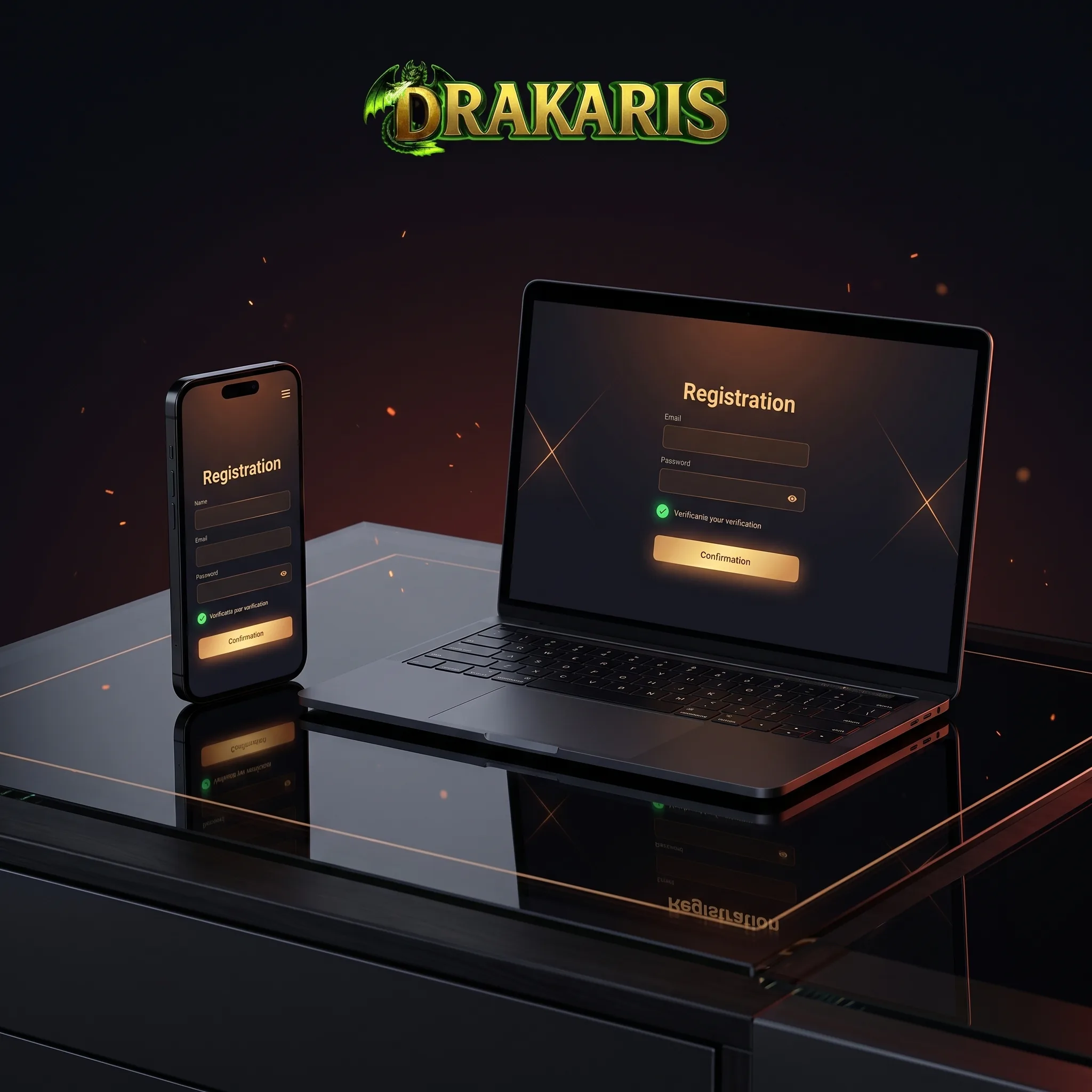
Opening a Drakaris account is a short process built around three pieces of information: email address, password and date of birth. The account is then activated through an email confirmation link. Drakaris states that registration can be completed in under two minutes. The Drakaris Casino review covers what becomes available after the account is opened.
On this page
The form itself is simple. The rules attached to the account are more important: users must be at least 18, only one personal account is permitted, and payment methods used later must belong to the registered account holder.
Open your Drakaris account
RegisterDrakaris Sign-Up at a Glance
| Stage | What happens |
|---|---|
| Start | Open Sign Up |
| Credentials | Enter email and create a password |
| Personal data | Add date of birth |
| Activation | Follow the email verification link |
| Account | Sign in and review profile settings |
| Payments | Use a payment method in your own name |
| Verification | Complete KYC if requested |
Players considering a first deposit can review the Drakaris Casino bonuses guide before choosing an offer.
How to Register at Drakaris Casino
Open Sign Up
Select Sign Up from the Drakaris homepage. This opens the account creation form.
Enter Your Email
Use an email address you can access. Drakaris sends the activation link there, and the same address can later be used for password recovery and account communication.
Create a Password
Set the password requested by the registration form and keep the login details private. Drakaris account rules prohibit sharing access with another person.
Add Your Date of Birth
Enter the correct date rather than an approximate one. Drakaris requires users to be 18 or older and may request proof of age. An account can be suspended while age verification is pending.
Confirm the Email
Open the verification message and follow the activation link. Once confirmation is completed, the account can be used for login and profile management.
One Player, One Account
Drakaris permits one personal player account per individual. Its terms also treat accounts associated with the same household, residential address, IP address or device as potentially duplicate accounts. Duplicate-account checks can lead to account closure and cancellation of related bonuses or winnings.
Creating a second profile because a password was forgotten is therefore the wrong fix. Use **Sign In → Forgot Password?**instead; Drakaris sends reset instructions by email.
What Happens After Registration?
Registration and KYC are not the same process.
The initial account is created with basic details, while identity verification can take place later. Drakaris states that verification is required under applicable rules and can include additional documentation or, under its terms, further identity checks.
This matters particularly when money moves through the account. Australian players can review local account and AUD deposit details in the Drakaris Casino Australia review.
Keep These Details Consistent
- legal name and personal information;
- date of birth;
- payment account holder;
- identity documents submitted for KYC;
- account contact details.
Drakaris does not allow deposits from a payment method belonging to another person, and withdrawals can likewise only be processed to methods registered in the player’s own name. The Drakaris Casino payment methods guide explains the cashier rules that follow account creation.
Currency and Account Settings
A second currency can be added after registration through My Account → Add Currency. Drakaris currently lists fiat currencies including EUR, USD, NOK, AUD, CAD, SEK and CHF, alongside several cryptocurrencies.
The available cashier limits depend partly on the chosen payment provider, so those values are best checked from inside the account rather than assumed during registration.
Registration Mistakes Worth Avoiding
Using a temporary email. It can cause problems with activation and password recovery.
Entering an incorrect birth date. Age or identity checks can expose inconsistencies later.
Opening another account. Drakaris permits one player account only.
Using someone else’s card or wallet. Payment methods must belong to the registered player.
Ignoring verification messages. KYC can become relevant before withdrawals or bonus-related payments are processed.
Registration on Mobile
The same Drakaris account can be created and used from a modern mobile browser. No separate mobile profile is required, and the platform runs on smartphones and tablets without mandatory app installation. See the Drakaris Casino mobile app guide for the browser-based experience.
How We Assess the Registration Process
We look at the number of required steps, email activation, age rules, duplicate-account policy, payment ownership requirements, password recovery and KYC transparency rather than judging registration only by how quickly the form can be completed.
Responsible Gambling
Creating an account does not require making an immediate deposit. Before funding a gambling account, set a spending limit and treat casino play as paid entertainment rather than a source of income. Drakaris accounts are restricted to users aged 18 or over.
FAQ
Click Sign Up, enter your email, password and date of birth, then activate the account through the verification email.
You must be at least 18 years old. Drakaris may request evidence of age and can suspend an account until the check is completed.
No. Drakaris allows only one personal account per player and applies duplicate-account rules.
The initial sign-up uses basic account details, but identity verification may be required afterward. KYC becomes particularly relevant for account and payment checks.
Check the spam or junk folder first and confirm that the email entered during registration is correct. If the message still does not arrive, account support can assist with access issues.
Yes. Registration and account access work through compatible mobile browsers without requiring a separate mobile account.
No. Drakaris requires deposits to use payment methods registered in the account holder’s own name.
Use Sign In → Forgot Password?. Reset instructions are sent to the registered email address.